


Quick Links
Access the university applications and services you use most, all in one convenient location.
GET STARTEDBuildings 32 and 42 are expected to remain closed through Nov. 10. This date is our current estimate and is subject to change pending ongoing evaluations and the safe restoration of the affected electrical systems.
The continued closure of Buildings 32 and 42 will affect School of Engineering and Applied Sciences (SEAS) operations as well as the operations of the Art, Digital Media and Chemistry programs. This includes in-person instruction and certain campus activities housed within those facilities. Emergency Remote Instruction (ERI) will remain in effect for impacted courses.
Visit the Campus Alerts page for more information.
For safety concerns, contact OPSEM at 202-274-5050. For emergencies, call 911.

Access the university applications and services you use most, all in one convenient location.
GET STARTED
Access Outlook, OneDrive, Word, Excel and other Microsoft 365 applications and services.
GET STARTED
Request a temporary loaner to help support your coursework and other academic needs.
GET STARTED
Keep your information current by updating your university profile and contact details.
UPDATE INFO
Learn how to create strong passwords, protect account credentials and keep your university accounts secure.
GET STARTED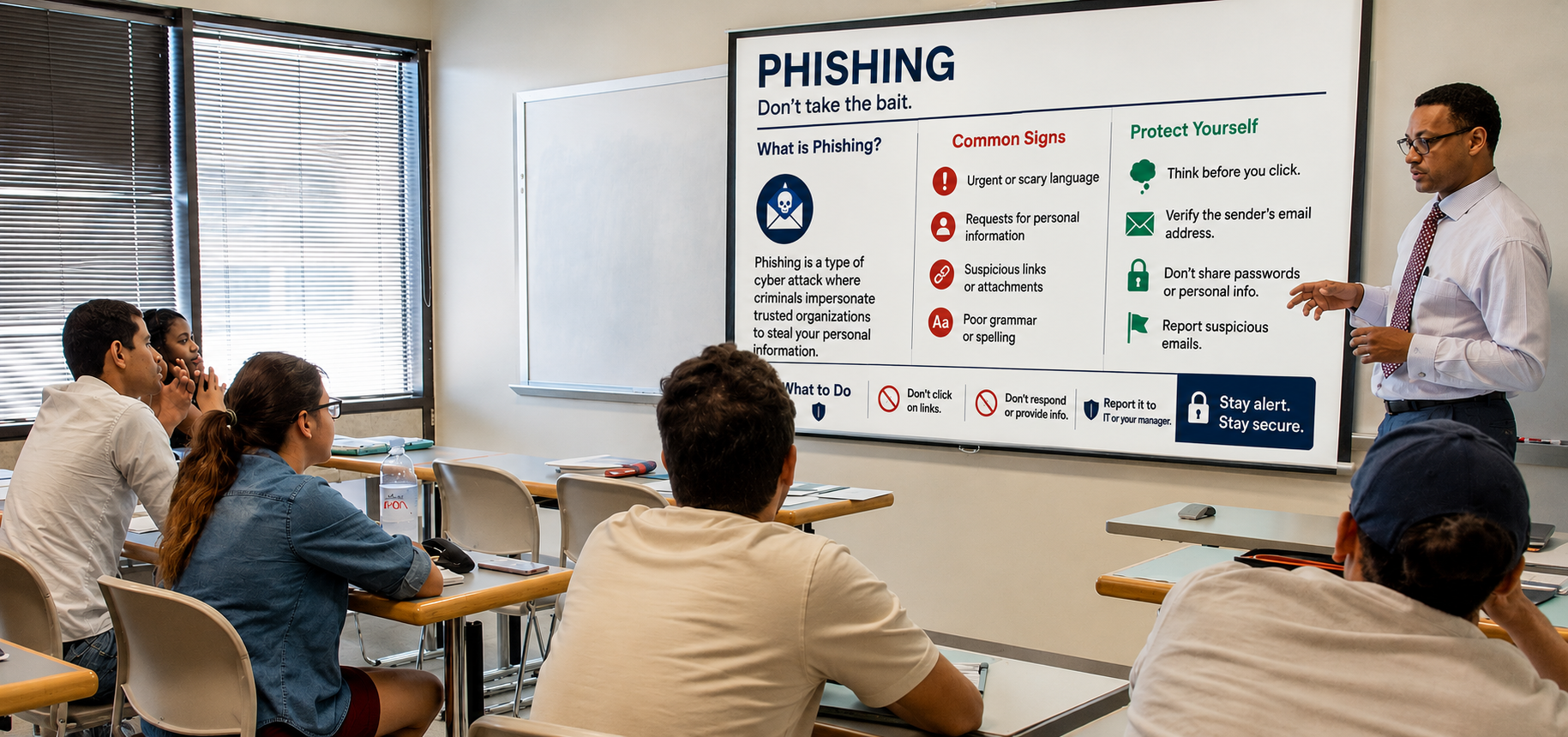
Learn how to recognize, avoid, and report phishing attempts and other common cybersecurity threats.
GET STARTED
Follow this step-by-step video to learn how to reset your password using your Microsoft account.
WATCH VIDEO
Already signed in and want to change your password? Use this option to create a new password while you're logged in.
CHANGE PASSWORD
Submit requests, access support services, track issues, and find helpful resources through a centralized service portal.
SUBMIT A TICKET